Photos in —
Quality
out.
Upload any jobsite photo. AI grounded in industry specs tells you what's right, what's off, and what to do about it. Then run the whole job in Supervisr: bids, scheduling, invoicing and job financials.
Run the check.
JOB SHEET Nº 001 · FREEDrop 3 photos here, or click to select
JPG, PNG, HEIC up to 10MB each — or paste an image (Ctrl/⌘+V)
3 of 3 free analyses remaining
By uploading, you confirm you have the right to share this photo and agree to our Terms and Privacy Policy.
Supervisr is not a licensed home inspection service. Its AI analysis is informational only and is not a substitute for a professional inspection, engineering assessment, or code-compliance review. Supervisr can make mistakes — double-check responses, and use with caution.
Run the whole job
SCENE 01 · 6:42 AM · THE JOBSITE
Your crew already captures the story.
Photos every day, on every site — Supervisr turns the camera roll your crew already makes into quality proof, reports, and marketing.
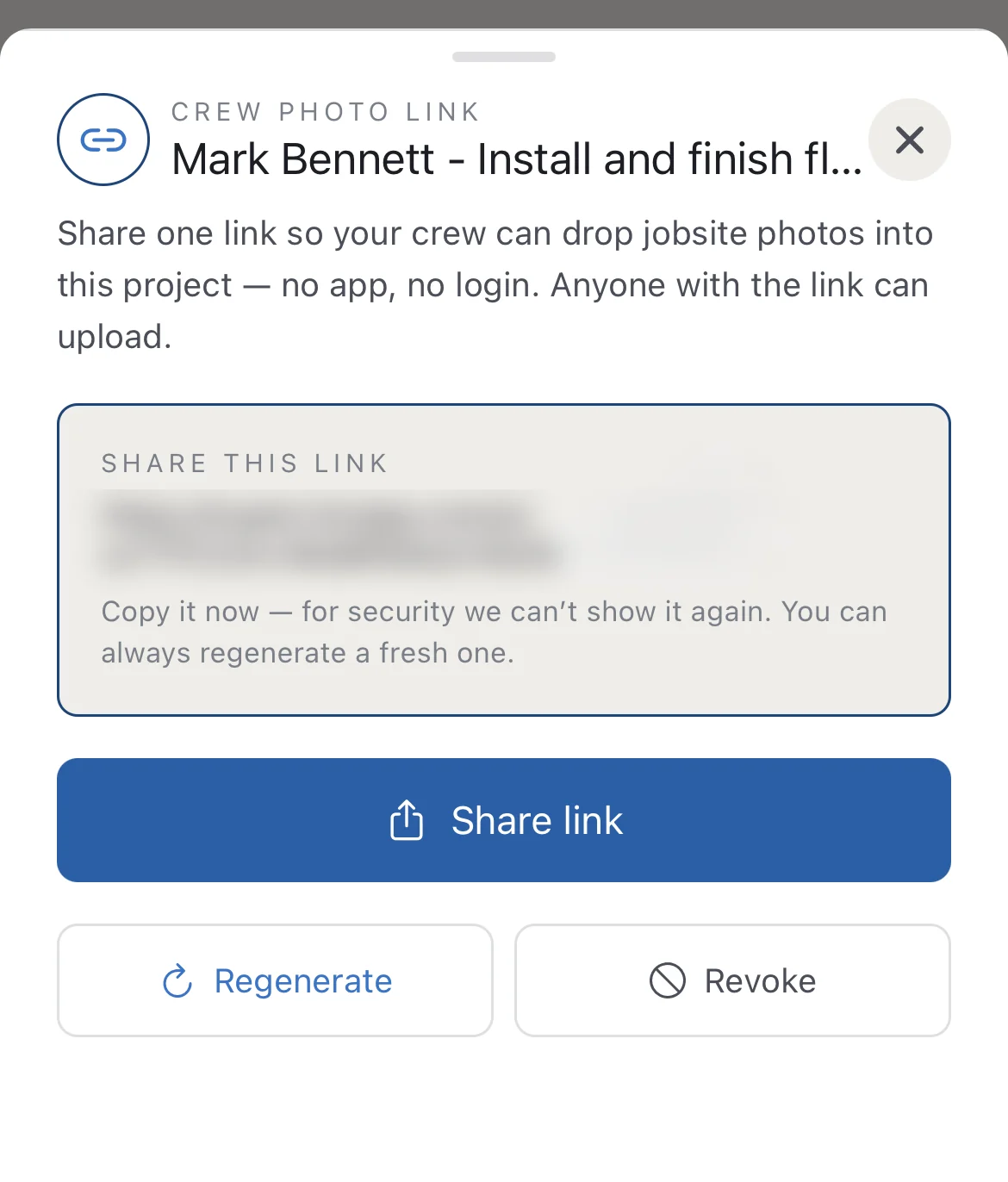 ✓ one link · one job · revocable
SCENE 02 · INSIDE THE PHOTO · THE CATCH
AI eyes on the work.
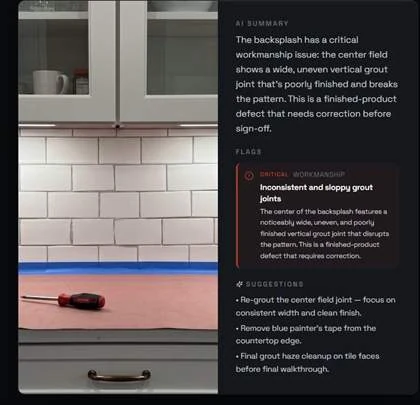
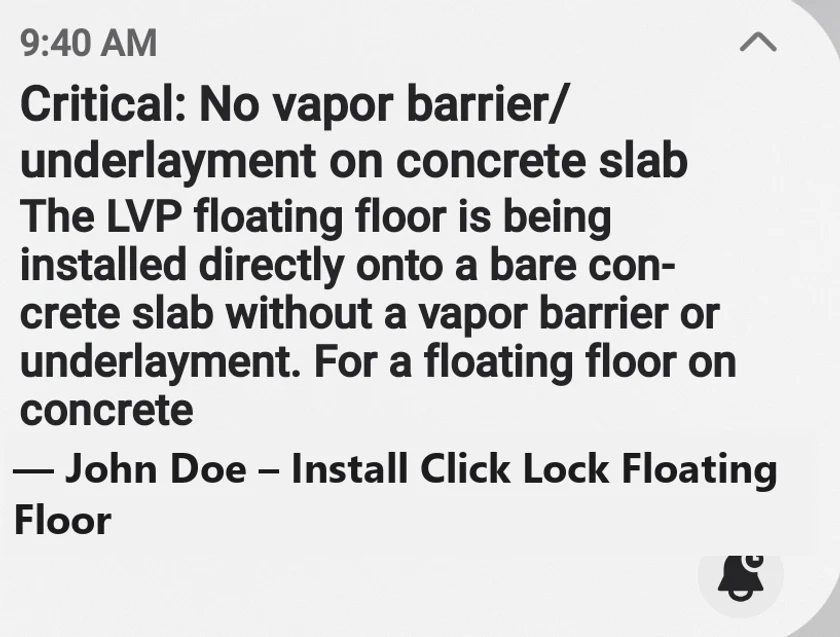
Trade-specific models check the work against industry standards — and catch what everyone else walks past.
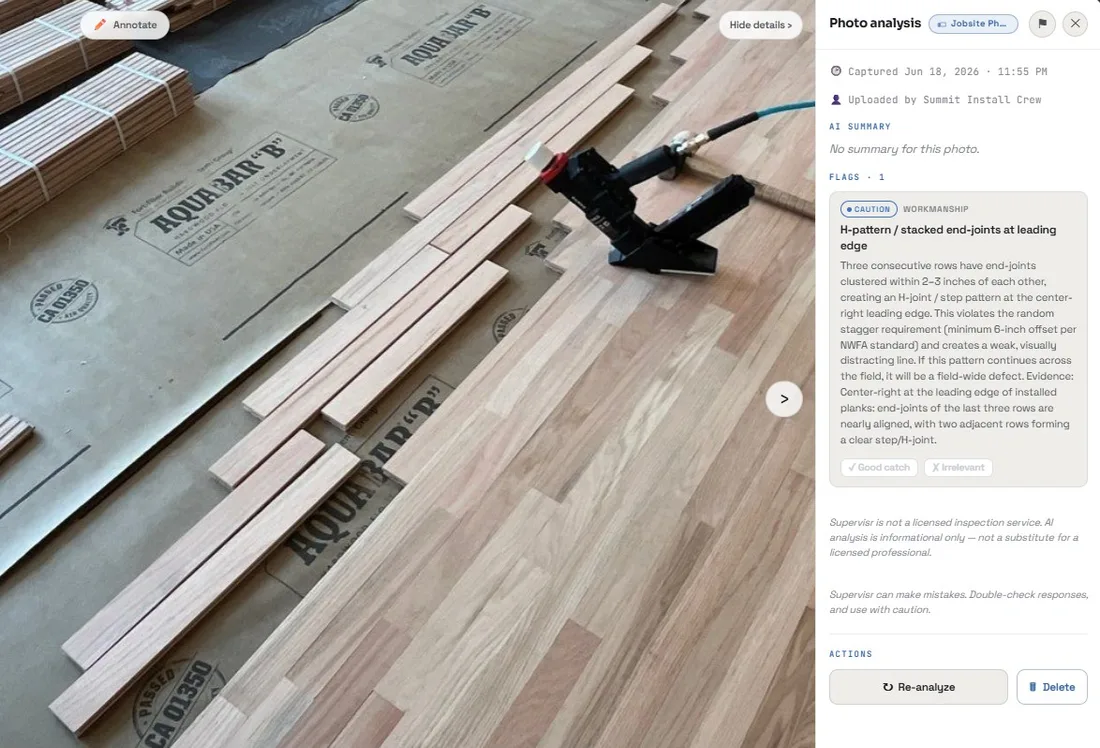 ⚑ one caution flag · hardwood install
SCENE 03 · THROUGH THE WALL · THE OFFICE
Paperwork that writes itself.
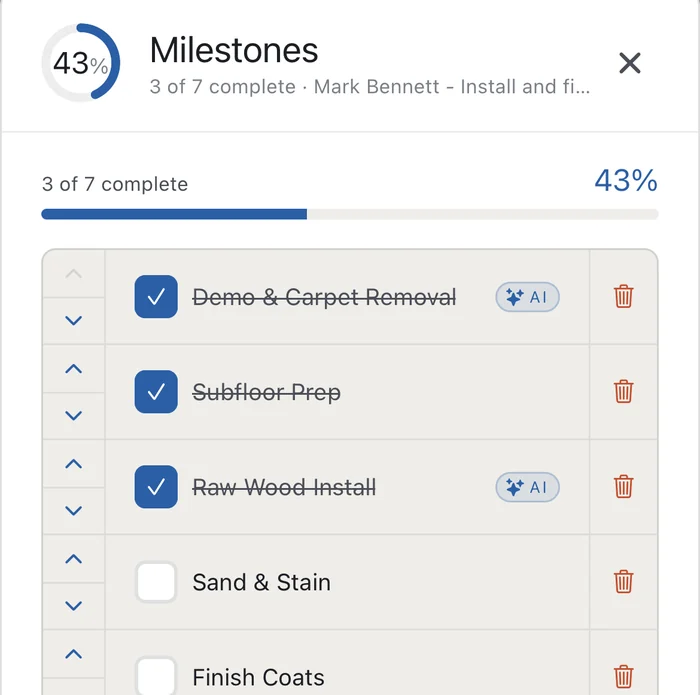
Client reports, monthly financials, schedules, crew pay — assembled from the same photos. Month-end in minutes.
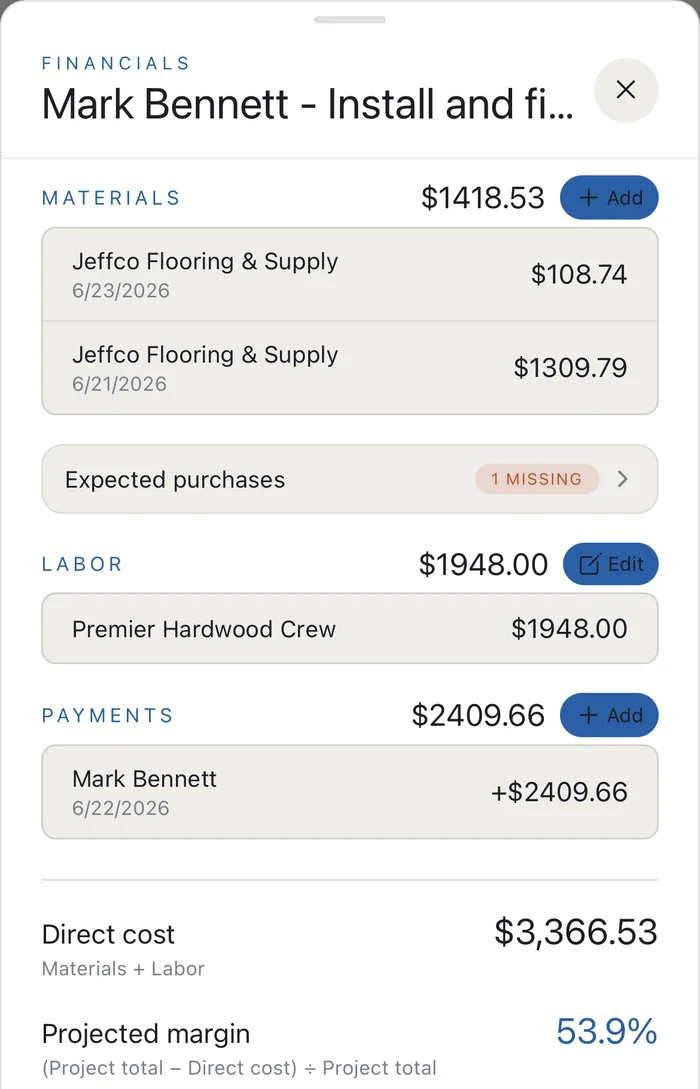 ✓ margins live · export to Excel
SCENE 04 · OUT THE FRONT DOOR · THE GROWTH
Finished work markets itself.
Job photos become post and reel drafts you approve, and the client report can ask for the review. Nothing goes out that you did not send.
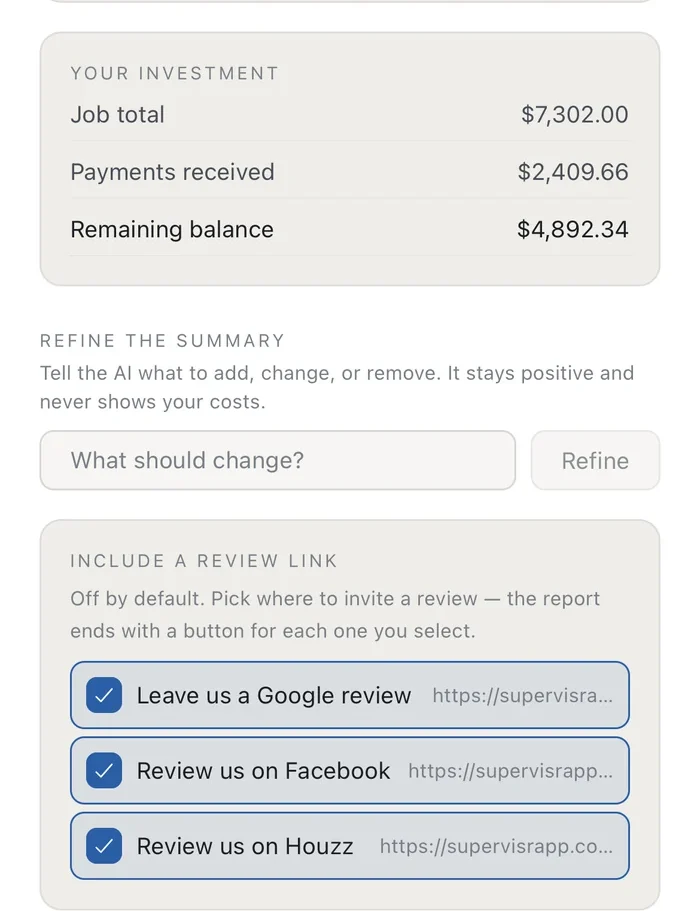 review link · in the client reportdrafted · awaiting your approval
Run your next job in Supervisr.
Bids from your price book, the crew schedule, invoices your customers pay online, and AI that checks your jobsite photos against your trade's standards.
10-DAY FREE TRIAL · UNLIMITED CREW SEATS · FROM $99/MOWhich side of the job are you on?
I build.
Bids, scheduling, work orders, invoicing, financials and marketing — the whole back office, with AI that checks your crew's jobsite photos.
Supervisr for contractors →I'm renovating.
Plain-English guides on what good work looks like, and what to check before the final payment.
For homeowners →Questions we get asked.
What is Supervisr?
Supervisr is all-in-one software for specialty and residential contractors: bids from your own price book, e-signature, change orders, work orders, crew scheduling, invoicing with online payments and job financials, with AI that checks jobsite photos against each trade's standards.
Is the free tool really free?
Yes. You get three photo analyses per visitor, for life, with no signup and no credit card. It is a working demo of the engine contractors run on Supervisr — if you want it on your crew's jobsite photos, across every job, the full product has a 10-day free trial you can cancel anytime.
What kind of photos should I upload?
Clear, well-lit photos of jobsite work — a tiled shower wall, a floor before or after install, a transition or threshold, a backsplash seam. It reads photos from 16 residential trades and has been tuned longest on flooring and bath-remodel work.
What does the AI actually check?
It looks for visible workmanship and safety issues — moisture and waterproofing gaps, tile lippage, unsealed seams, the wrong substrate in wet areas, missing expansion gaps, and incomplete work — and returns severity-graded flags (critical, caution, info) with plain-English explanations and a next step for each. It is a lighter version of the read contractors get inside their account, where the job's scope and trade context are also used.
Is this a home inspection?
No. Supervisr is not a licensed home-inspection service, and the AI analysis is informational only. It is not a substitute for a licensed inspector, contractor, engineer, or architect, and it cannot assess anything that is not visible in the photo. For any decision affecting a renovation, repair, warranty claim, or legal dispute, consult a licensed professional.
How accurate is it?
The AI is grounded in common industry practice for each trade it covers and is deliberately cautious — it surfaces things worth a second look rather than issuing definitive verdicts. Like any AI it can miss something or occasionally flag something that is fine, so treat its output as a prompt to look closer, not a final judgment. Double-check responses and use with caution.
Do I need an account?
No — the free tool needs no signup and no card. You upload, you get results. Saving projects, checking your crew's jobsite photos against each trade's standards, and bringing your team in come with the full product, which starts on a 10-day free trial.
How Supervisr uses your Google account.
Connecting Google is optional. You choose which of these to turn on in Settings, one at a time, and Supervisr asks only for the permission that one needs. Every connection also shares your Google name and email address (openid, email, profile), so Supervisr can show which account is connected.
- Gmail, send only. Bids, invoices, reports, work orders and follow-ups you send from Supervisr go out from your own Gmail address. Supervisr does not read your inbox or any other email. (gmail.send)
- Your sales calendar, read only. Supervisr reads the appointments on the Google calendars you pick, so they show on your sales schedule. It never changes those calendars. (calendar.calendarlist.readonly, calendar.events.readonly)
- Your production calendar. Supervisr creates its own separate calendar in your Google account and keeps your job schedule on it. It cannot reach your other calendars. (calendar.app.created)
- Google Drive. Supervisr saves backup copies of your project photos, videos and client messages to a Supervisr folder in your Drive. It only touches the files and folders it created. (drive.file)
Data from Google is used only to provide these features. We never sell it and never use it for advertising. Supervisr's use and transfer of information received from Google APIs adheres to the Google API Services User Data Policy, including the Limited Use requirements. Read our Privacy Policy.