Every tool.
One camera roll.
Everything below is included in your plan. Plans don't lock features; they differ by monthly AI allotment.
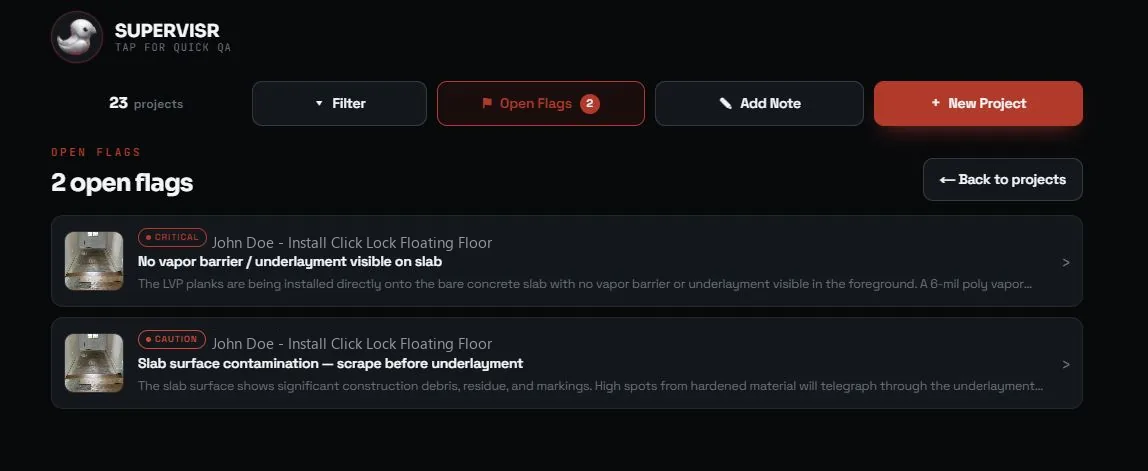
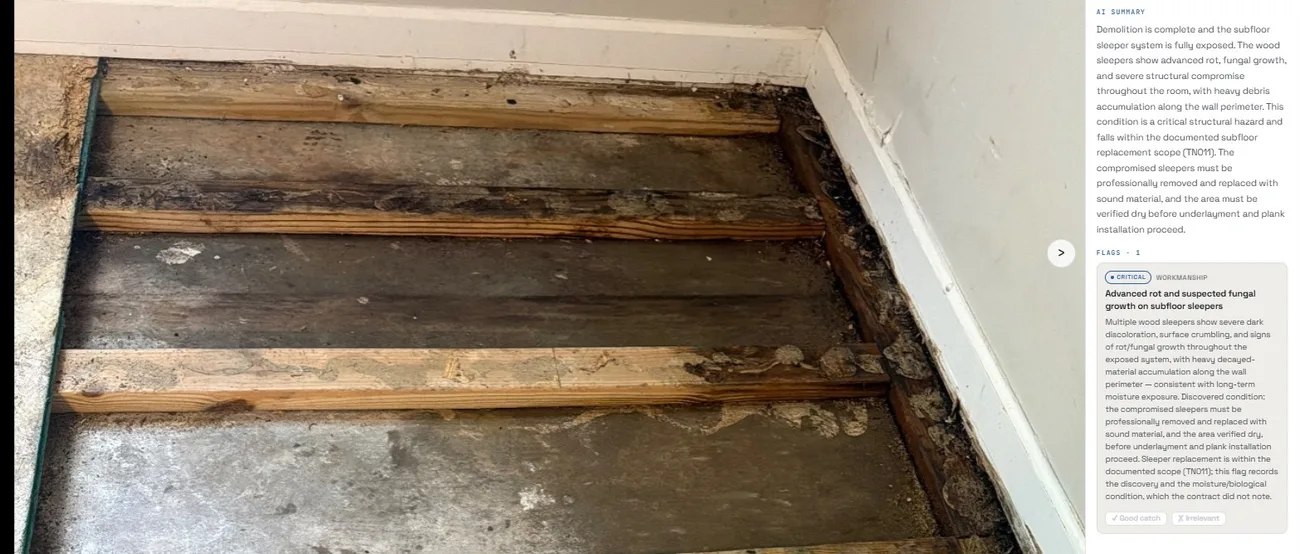
AI Photo QA — 16 trades
Trade-specific models check jobsite photos against each trade's standards once the job's scope is signed. Flags vs notes, sensitivity you control, Field-Manager-aware routing.
SLIC — your AI operator
Voice or text. Ask about any job, run a Quick-QA, draft a post, pull a report — one assistant across the whole account.
Supervisr Marketing
Post and reel drafts from job photos with an AI composer or a write-it-yourself mode, review requests with multi-destination routing, Community Radar.
Reports library
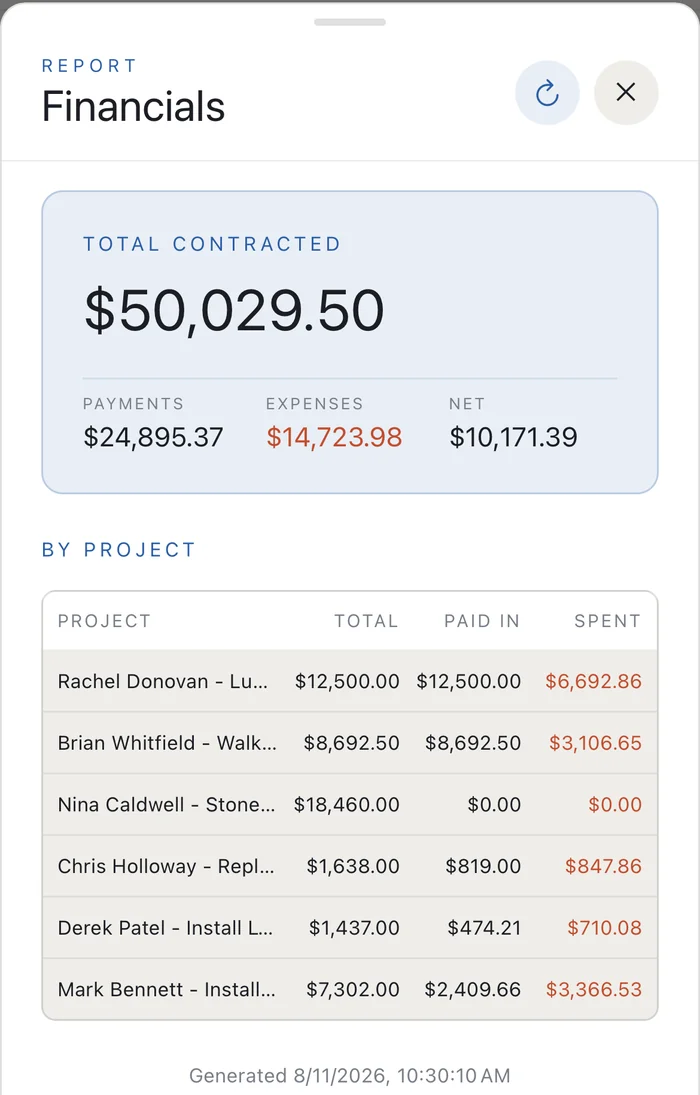
Client reports, monthly financials with paste-order Excel export, receivables, crew pay tracking + report, time-lapse.
Work orders your crew can follow
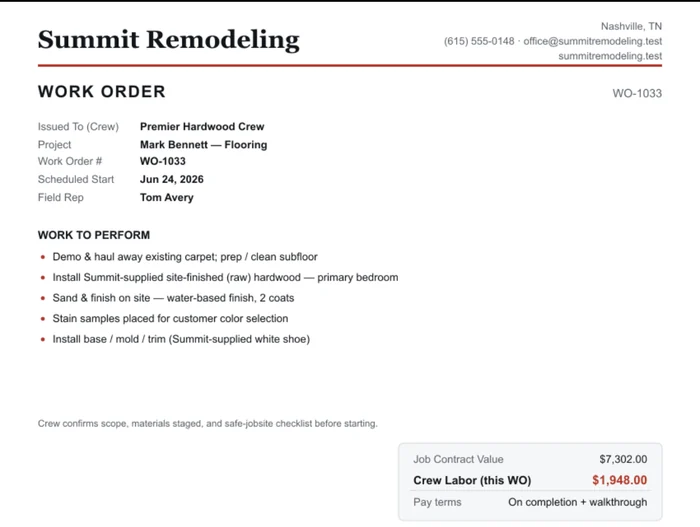
Scope, scheduled start, field rep and the crew's pay for that order — issued on your letterhead, with the contract value and pay terms on the same page.
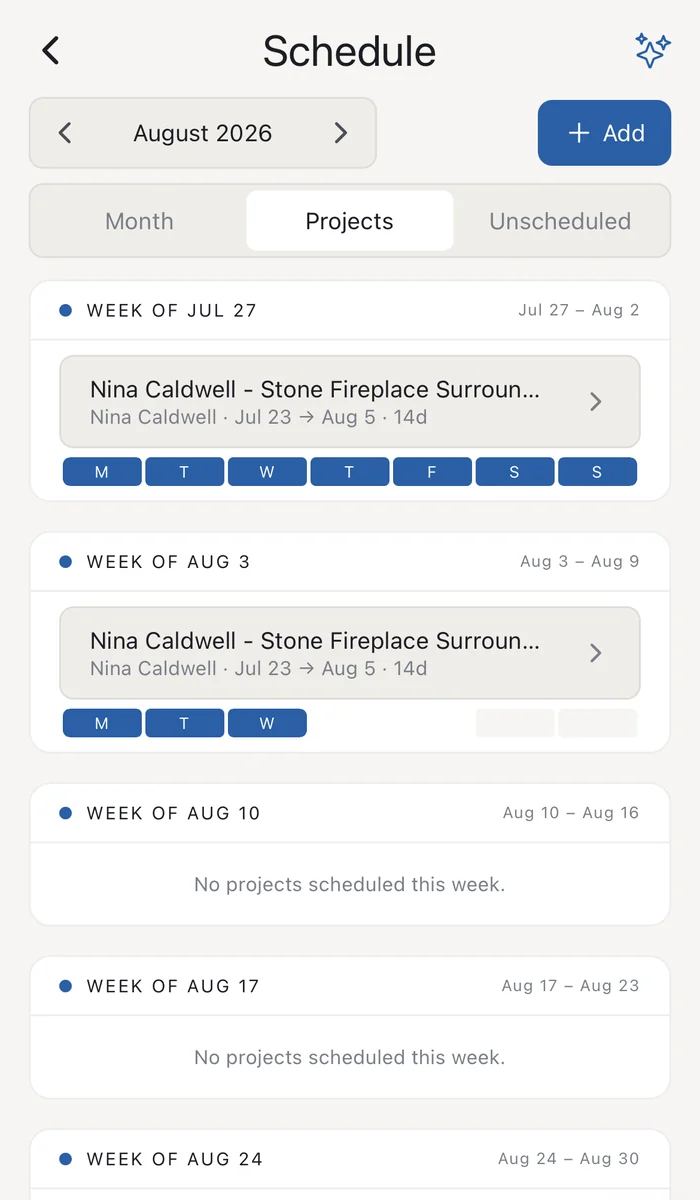
Scheduling board
Crews × days, half-day granularity, unavailability, auto-stack — and daily crew texts you can switch on.
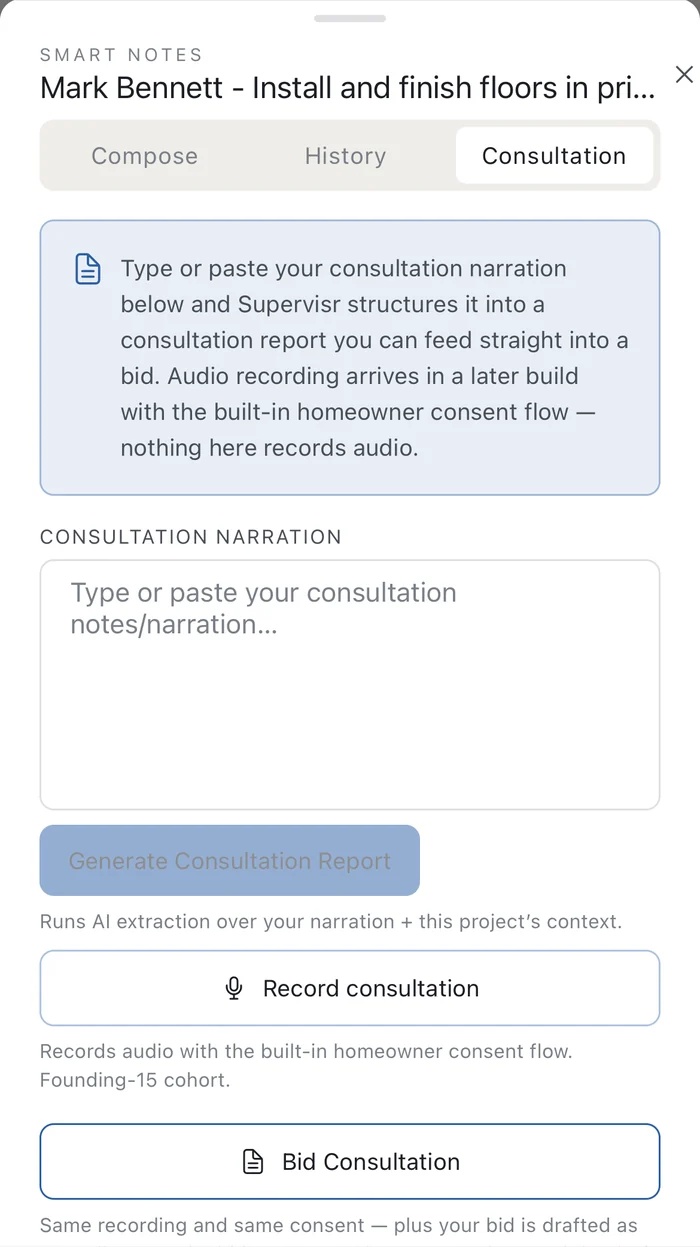
Consultation → bid
Type or paste what you talked about at the walkthrough and Supervisr structures it into a consultation report you can feed straight into the bid.
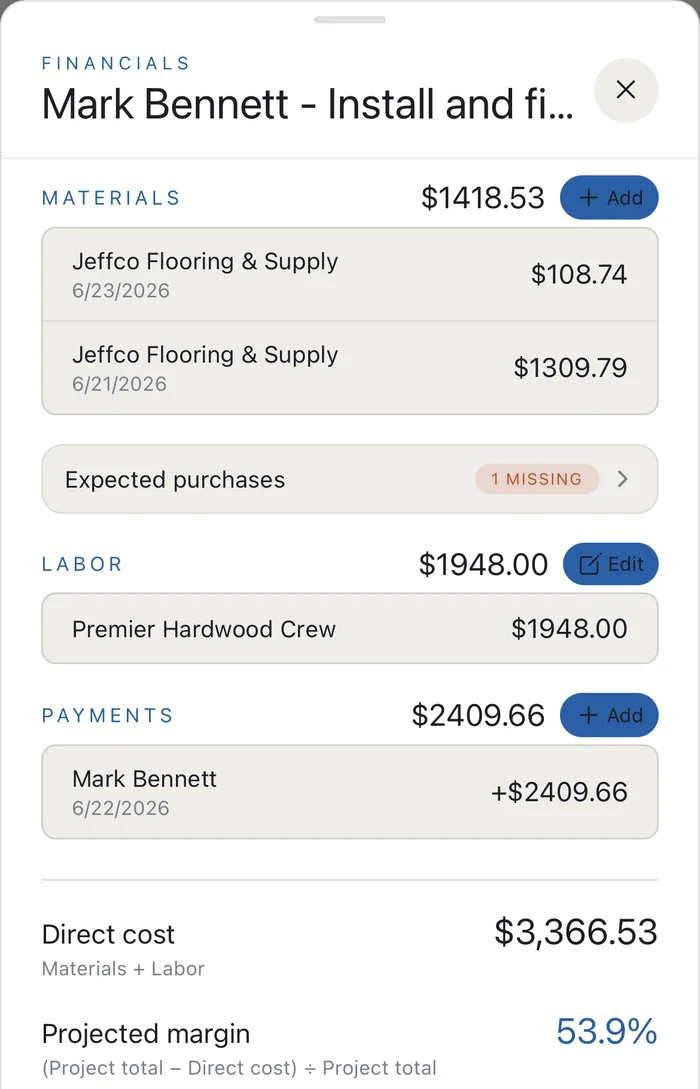
Money, end to end
Bids, change orders, e-sign, work orders, POs, invoices with online card and bank payments, receipts + Receipt Recon, commissions.
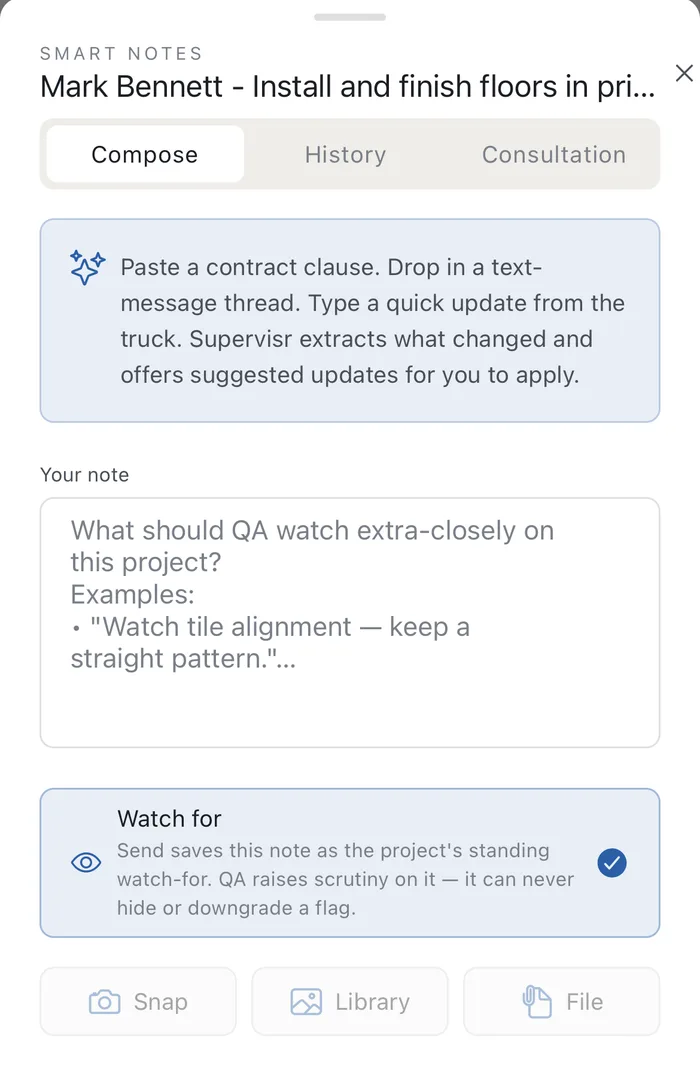
Smart Notes + Watch-for
Paste a contract clause, a text thread or a note from the truck and Supervisr extracts what changed. Save it as the job's watch-for and QA raises scrutiny on it — it can never hide or downgrade a flag.
Home-era advisories
Pre-2000 homes get tasteful era context on reports — hazard language never.
Mobile + CompanyCam
Both app stores, full native parity on the core flows, CompanyCam photo import.
Keep reading